Count calories by simply taking a picture of your meal. ClearCal analyzes food instantly and estimates calories, protein, carbs, and fat automatically.

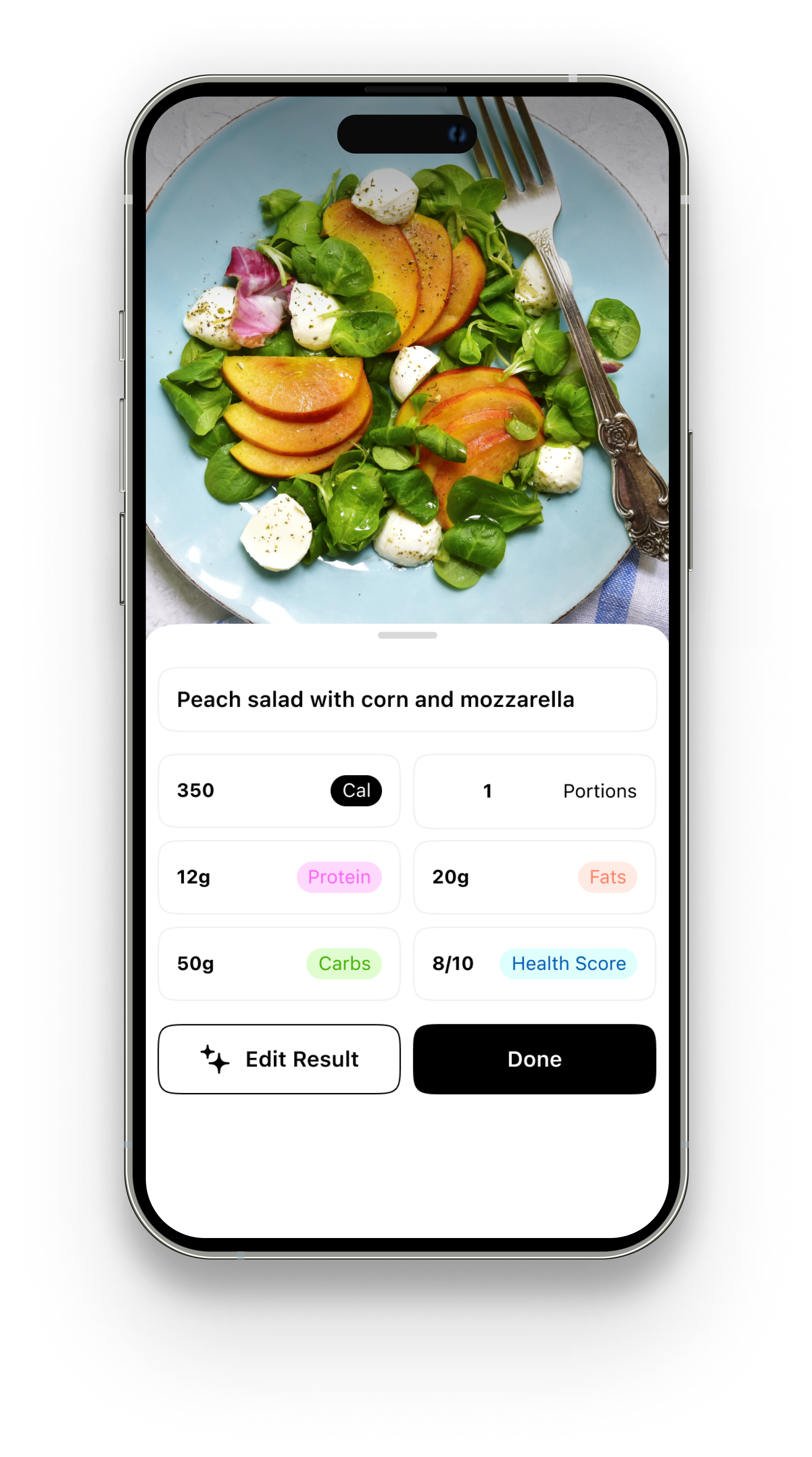
A photo calorie counter is an app that estimates calories from a picture of your food.
Instead of:
You take a photo.
The app uses AI to identify food and estimate nutrition.
This method is also known as a calorie counter by photo — and it’s becoming one of the fastest ways to track meals.
If you want a deeper breakdown of how AI tracking works, visit: AI Calorie Tracker
Traditional calorie tracking apps require constant manual input.
Apps like MyFitnessPal and Lose It! rely heavily on databases.
Here’s what that usually looks like:
That system works — but it slows people down.
When logging takes too long, people stop.
A photo calorie counter removes the slowest part: manual data entry.
Using ClearCal takes four steps:
That’s it.
No database search.
No typing ingredients.
No recreating recipes manually.
ClearCal works for:
If you're specifically looking to scan food calories instead of typing them:
See: Scan Food Calories
A common question:
Can an app really estimate calories from an image?
Here’s the honest answer:
AI analyzes:
When photos are clear and well lit, estimates are typically within 5–15% of manual logging.
For everyday tracking, that level of accuracy is more than sufficient.
What improves results:
If you want a deeper accuracy breakdown:
→ How Accurate Are AI Calorie Trackers?
Consistency matters more than perfection.
Tracking consistently with small margin differences produces reliable trends.
If you eat on the go, you don’t have time to log every ingredient.
Photo tracking reduces the process to seconds.
Databases can feel overwhelming.
Photo tracking simplifies the experience and lowers the barrier to entry.
Most people don’t quit because they lack discipline.
They quit because logging becomes friction.
A photo calorie counter reduces that friction.
If you’re trying to maintain a calorie surplus, speed matters.
→ Learn more here:
Calorie Tracker for Weight Gain
Traditional apps were built around manual systems.
ClearCal was built around speed.
If you're comparing tools:
→ Explore the full breakdown:
AI Calorie Tracker
It’s faster and easier. Manual logging may offer slightly more precision, but photo tracking improves long-term consistency.
Yes. AI estimates portion size based on visual cues and common serving patterns.
Not necessarily. Many users rely solely on photo estimates. A food scale can be used if extra precision is desired.
Yes. ClearCal estimates:
ClearCal focuses on speed, simplicity, and minimal friction — without gamification or streak pressure.
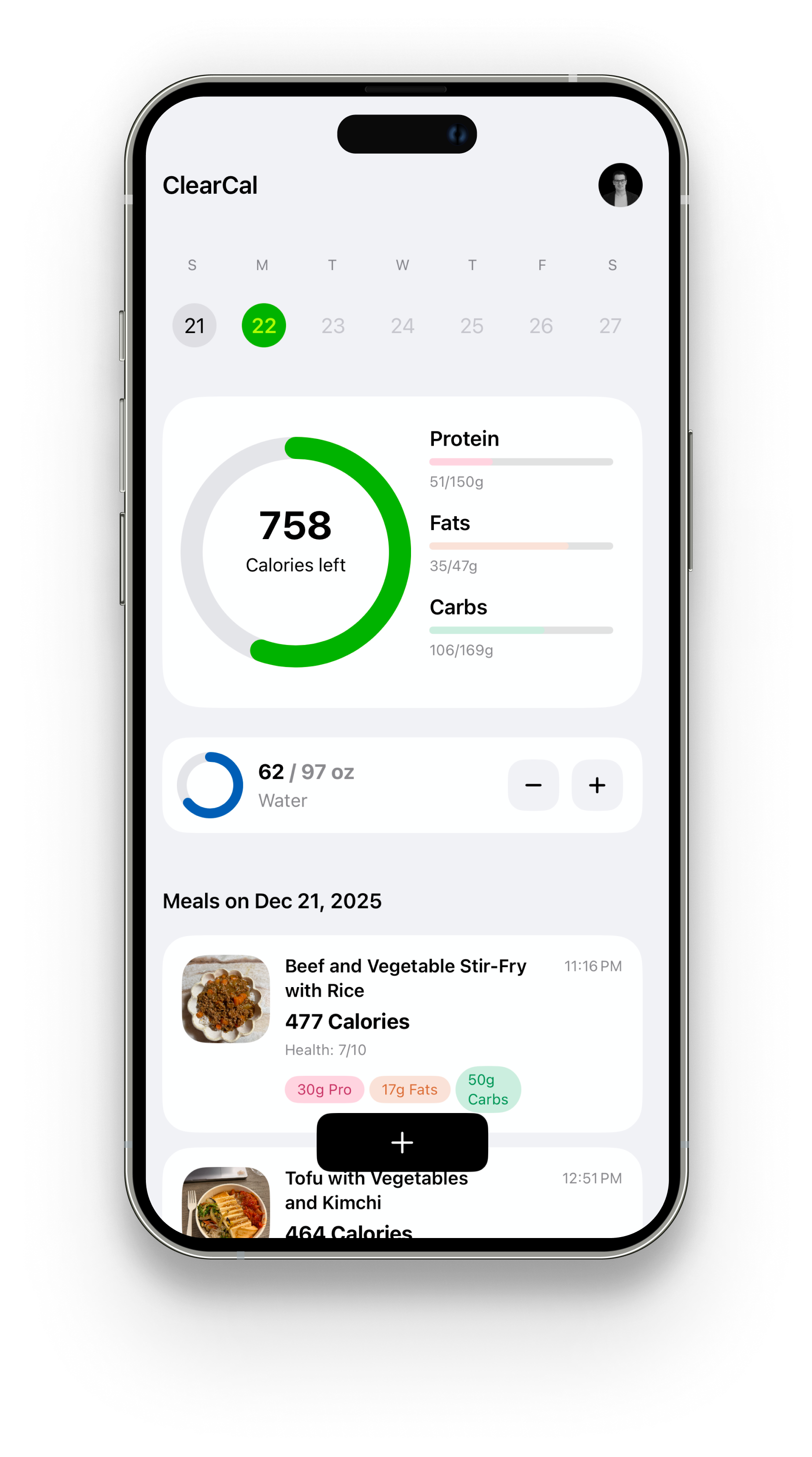

Snap a photo or describe your meal, and ClearCal analyzes each meal so you can acheive your goals without the headaches.